Basic
Free No card required
- 1,900+ Twemoji emojis
- Search, categories and six skin tones
- One-click import into your project
- 3 AI emoji generations
Add any emoji to your edit in one click, or make your own with AI. Browse 9,000+ emojis inside After Effects and Premiere Pro. No hunting for PNGs or leaving your project.
Verified reviews from Gumroad and aescripts
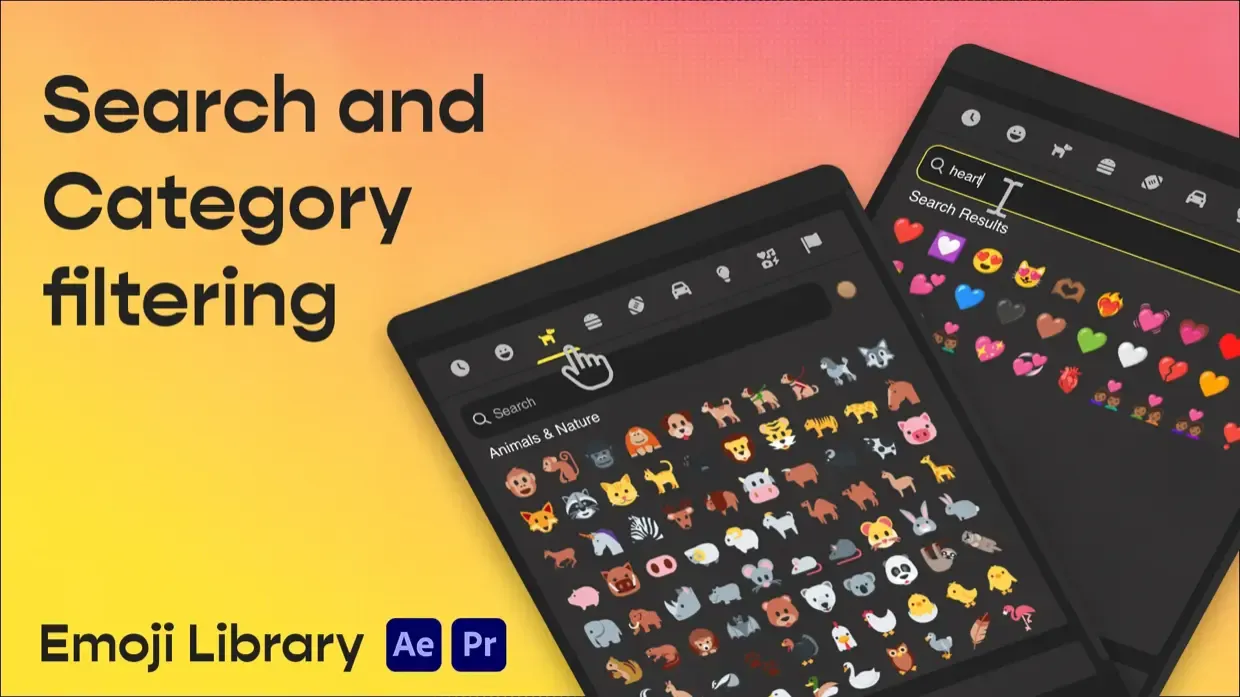
Browse Twemoji, Google and OpenMoji styles without leaving your project. Search by name, filter by category and choose from six skin tones.
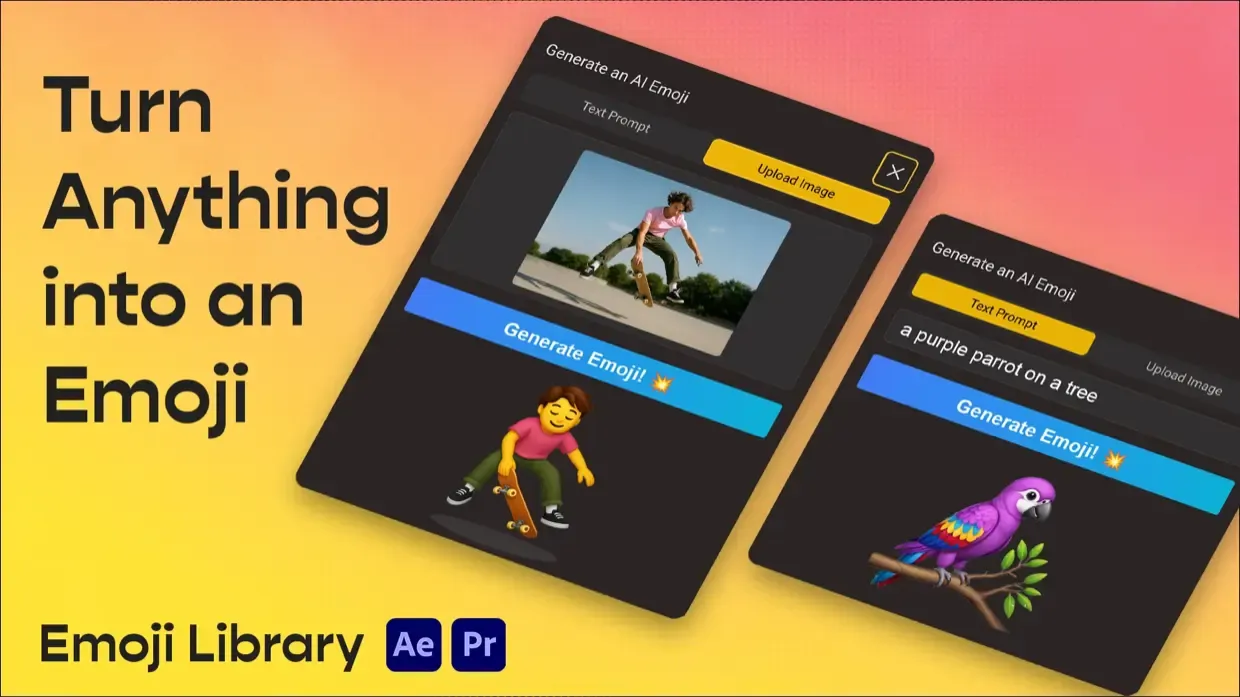
Describe an idea, like “a happy robot with sunglasses”, or upload a reference image. Your custom emoji appears in the picker with a transparent background, ready to import.
Send your emoji straight into After Effects or Premiere Pro as a high-resolution PNG. Scale it, position it and animate it in your composition or edit.
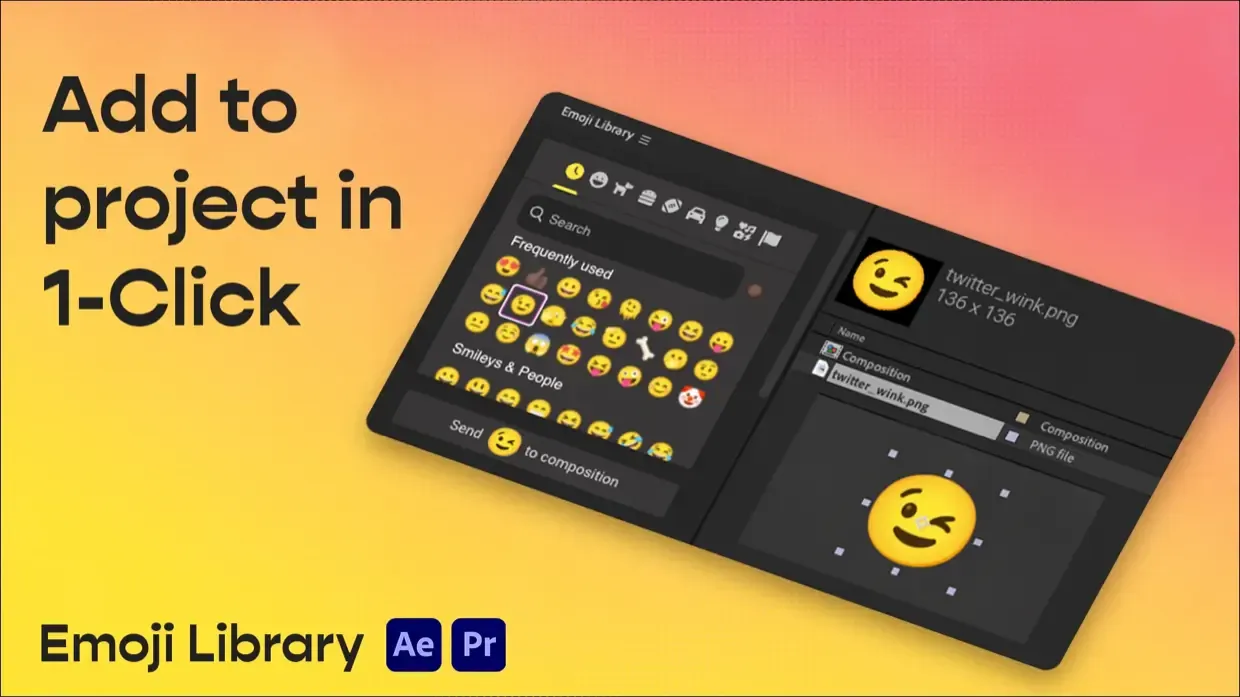
Install your download with ZXP Installer, then restart After Effects or Premiere Pro. Open Window → Extensions → Emoji Library to get started.
Works with After Effects and Premiere Pro CC 2019+ on macOS and Windows; an internet connection is required.
Need a hand installing or unlocking Premium? Contact me and I’ll help you get it working.